There are a few changes on this site. First, the bar across the top with links to the administrative section (like creating a new post) has been changed. Now it is hidden unless you make it pop up. You do this by placing the cursor/arrow over the “Menu” link at the top left. It looks like this:

When it opens it looks like this.

The arrow is pointing to the link to create a new post, which is the main one you will be using.
To close the Admin link, click on the close link at the right. It looks like this:
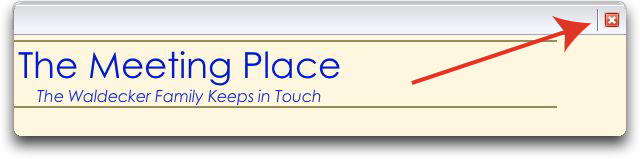
But you can just leave it open if you want.
You will see the other changes when you got o create a new post. One of the main changes is how you upload pictures. Look for the Add Media section just above the Post box. There are links for uploading pictures, video, and audio. Everything else is pretty much the same, although things have been rearranged and the new format is generally clearer, I think.
If you have any questions please let me know.
{ 2 comments… read them below or add one }
Cool! I shall have to go exploring…
neat!